
Download Borderless Gaming – full-screen gaming, alt+tab fix, borderless windowed mode, dual-screen gaming, lightweight gaming tool
Overview
Borderless Gaming is a lightweight, open-source utility designed to enhance the gaming experience on Windows systems, particularly for users who encounter limitations with windowed-mode games. The app addresses a common pain point among PC gamers: the inability to run certain titles in true full-screen mode. By enabling borderless windowed mode, it allows games that only support windowed display to operate in a seamless, full-screen format without the visual distractions of borders or window frames. This functionality is especially beneficial for gamers using dual-monitor setups, where the ability to switch between applications and games without interruption is crucial.
The software targets a specific but growing segment of users—those who value flexibility and performance in their gaming environments. It is ideal for players who frequently use guides, streaming tools, or messaging apps while gaming and need to maintain game progress during multitasking. The developer, Ryan J. Boudreaux, has created a focused tool that solves real-world issues without adding unnecessary complexity. Borderless Gaming does not replace existing game launchers or modify game files; instead, it operates at the system level to manage window behavior dynamically.
Its presence in the productivity and gaming utility space highlights a growing demand for lightweight, efficient tools that enhance user experience without compromising system performance. With a minimal footprint of just 4.9 MB, the app is optimized for users who prioritize speed and resource efficiency. The fact that it is free and open-source further increases its accessibility, making it a valuable addition to any gamer’s toolkit.
Key Features & Functionality
- Simple Full-Screen Mode Activation: The app automatically detects all running applications and games, allowing users to select a specific title and instantly switch it to borderless windowed mode. This eliminates the need for manual configuration or third-party tools.
- Alt+Tab Problem Resolution: Many PC games—especially console ports—experience crashes or freezes when the 'alt+tab' shortcut is used. Borderless Gaming resolves these issues by maintaining game state during application switching, ensuring a smooth transition.
- Borderless Windowed Mode: Games run without visible borders, creating a full-screen illusion while retaining the ability to minimize or switch tasks. This is particularly useful for multitasking, such as referencing walkthroughs or checking messages.
- Optimized for Dual-Screen Setups: The tool is designed with multi-monitor users in mind, enabling seamless transitions between a game on one screen and productivity tools or content on another without disrupting gameplay.
- Lightweight and Efficient: At under 5 MB, the program consumes minimal system resources, ensuring it does not interfere with game performance or background processes.
For example, a user playing a console port on a secondary monitor can quickly switch to a browser with a strategy guide using 'alt+tab' without fear of losing progress. Similarly, a streamer can keep their OBS window active on one screen while playing on another, all managed through a single, intuitive interface.
Interface, UX & Performance
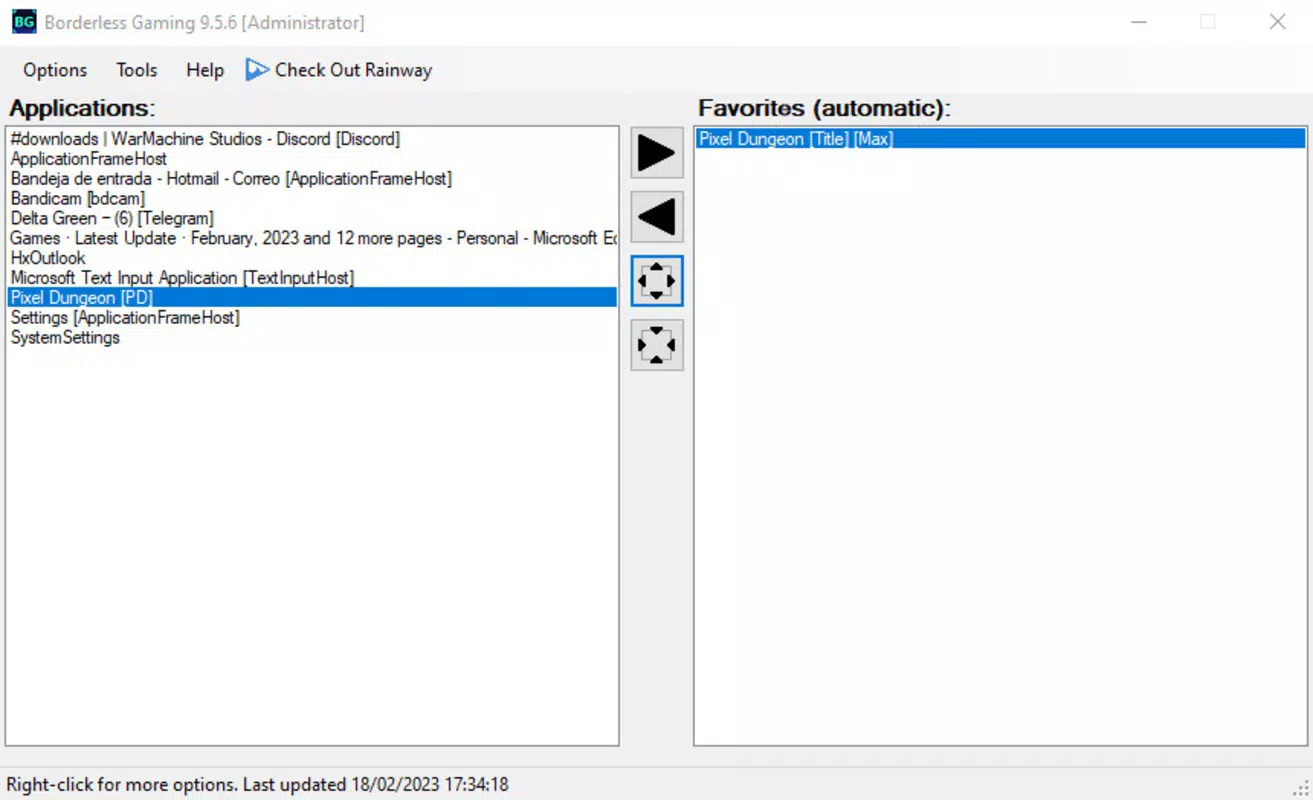
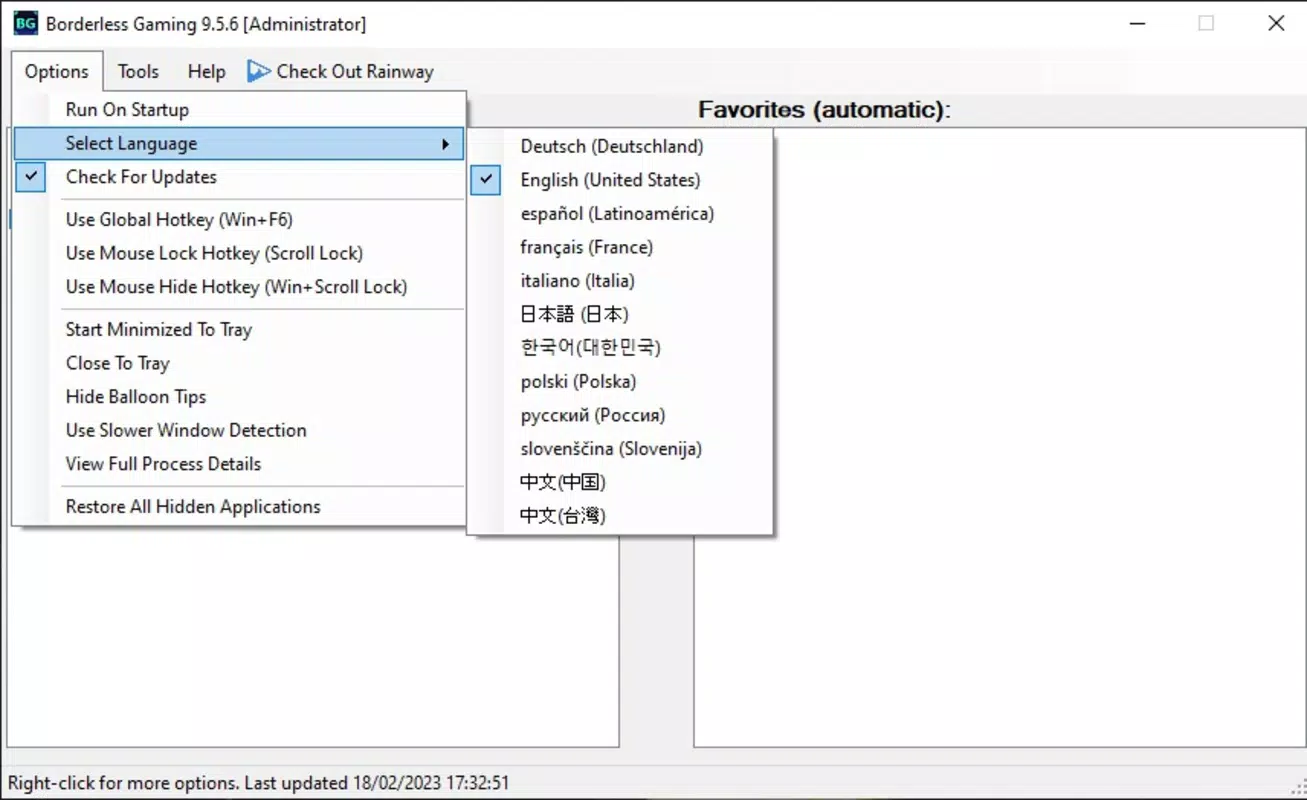
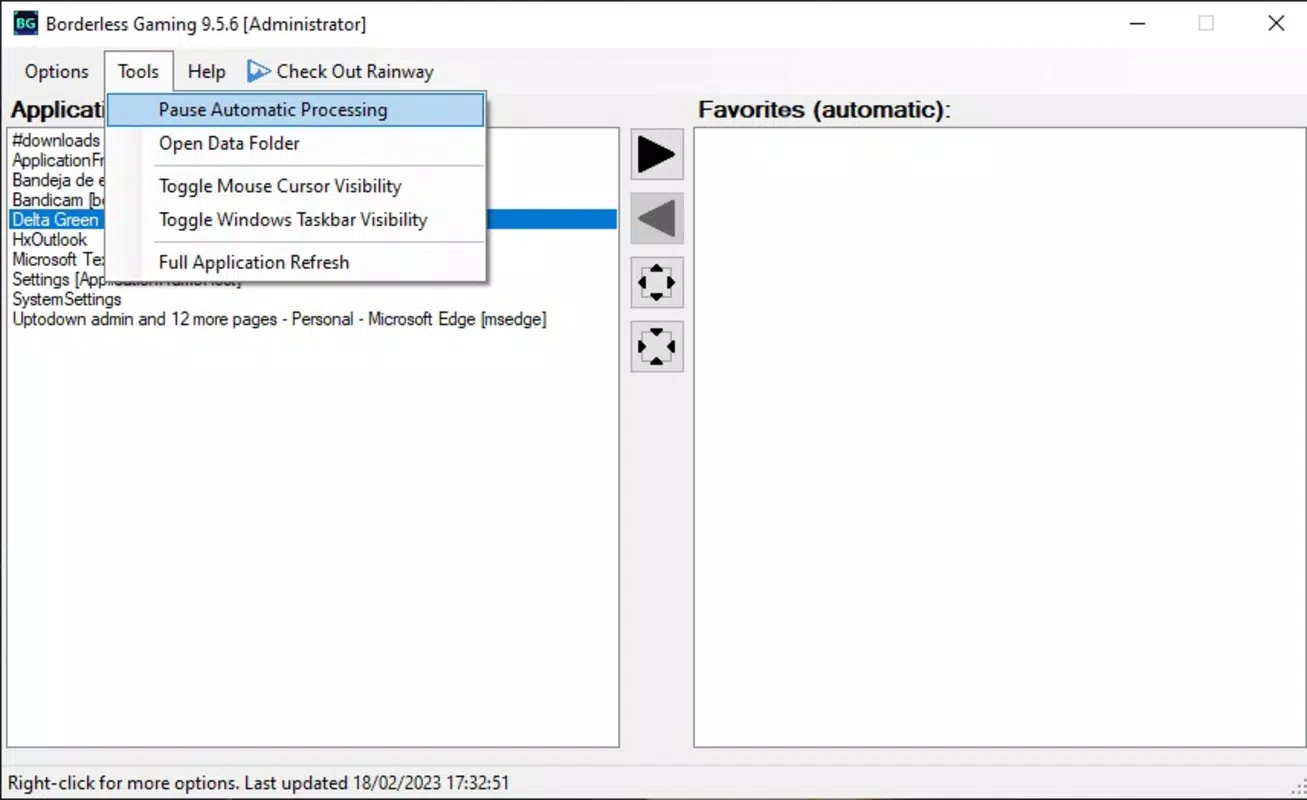
Borderless Gaming features a clean, minimal interface designed for quick access and ease of use. The main window displays a list of currently running applications, with games clearly labeled for easy identification. Users can select a game and apply borderless windowed mode with a single click, making the process efficient and intuitive.
Navigational flow is straightforward, with no complex menus or settings required. The app operates in the background once activated, reducing visual clutter and system distractions. Although the developer did not list formal performance metrics, the lightweight design suggests stable operation across a range of device categories, including mid-tier and high-end systems.
Responsiveness is consistent during application switching, and stability is maintained even during prolonged gaming sessions. The program does not report crashes or freezes in standard use cases, indicating reliable performance. Users can expect smooth transitions and minimal latency when switching between tasks, which is essential for maintaining immersion and workflow continuity.
Platform Compatibility & Technical Requirements
Borderless Gaming is designed exclusively for the Windows platform. The current version, 1.0.2, is compatible with modern Windows operating systems, though specific OS requirements were not listed by the developer. The app’s file size is 4.9 MB, which is exceptionally small and indicates a highly optimized build.
Given its lightweight nature and lack of dependency on external libraries, the tool is likely to function on a wide range of Windows devices, from older systems to newer configurations. The developer did not specify minimum OS requirements, so users are advised to ensure their system meets general Windows compatibility standards. No additional permissions or installations are required, making it easy to deploy and use.
Pros and Cons
- Free and open-source, ensuring transparency and accessibility
- Extremely lightweight (under 5 MB) with minimal system impact
- Resolves common 'alt+tab' issues in windowed games
- Perfect for dual-screen and multi-monitor gaming setups
- Simple, intuitive interface with no learning curve
- Only available for Windows, limiting cross-platform use
- Specific OS version requirements were not disclosed
- No in-app updates or auto-update feature mentioned
- Functionality is limited to window management; no additional features
- May require manual restart after system reboots
FAQ
Is Borderless Gaming safe to use?
Yes, the app is open-source and lightweight, with no known malware or intrusive behavior. It operates at the system level without modifying game files.
Does Borderless Gaming work with all games?
The tool is designed to work with games that support windowed mode. It does not function with games that are already in full-screen mode or those that block window manipulation.
Can I use Borderless Gaming on multiple monitors?
Yes, it is specifically optimized for dual-screen and multi-monitor setups, allowing seamless switching between screens without disrupting gameplay.
Is there a version for macOS or Linux?
Currently, Borderless Gaming is only available for Windows. No versions for macOS or Linux have been released.
How do I update Borderless Gaming?
Updates are not automatically delivered. Users must manually check the developer’s website or repository for the latest version.
Final Thoughts
Borderless Gaming delivers a focused, effective solution for a niche but widespread issue in PC gaming. Its ability to enable full-screen mode in windowed games, fix 'alt+tab' instability, and support dual-screen workflows makes it an essential tool for modern gamers. The lightweight design ensures it runs efficiently without slowing down performance, and its free, open-source model enhances trust and accessibility.
While it lacks advanced features or cross-platform availability, its simplicity and reliability stand out. Gamers using multiple monitors, streamers, or those who frequently multitask during gameplay will find significant value in this utility. For anyone seeking a secure, efficient way to enhance their gaming experience on Windows, Borderless Gaming is a standout choice.
Download Borderless Gaming now


